Editable Text Effect Photoshop Action Guide
In the fast-paced world of digital design, the ability to quickly transform a standard photograph into a compelling visual statement is invaluable. Whether you are a professional photographer looking to elevate your portfolio or a small business owner crafting social media content, the Editable Text Effect Photoshop Action offers a streamlined solution for adding dynamic typography without the steep learning curve of manual layer masking and blending. This tool is designed to bridge the gap between raw imagery and polished graphic design, allowing users to achieve stunning, unique looks with just a few clicks.
Transforming Images with Ease
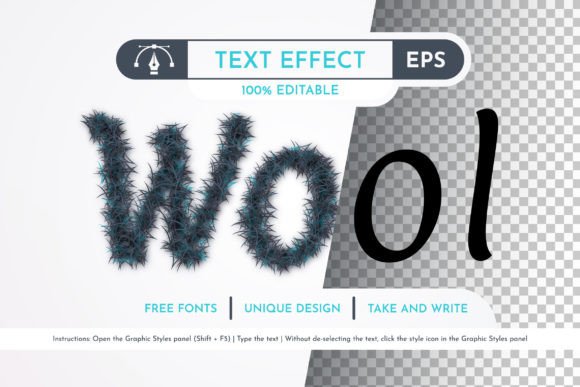
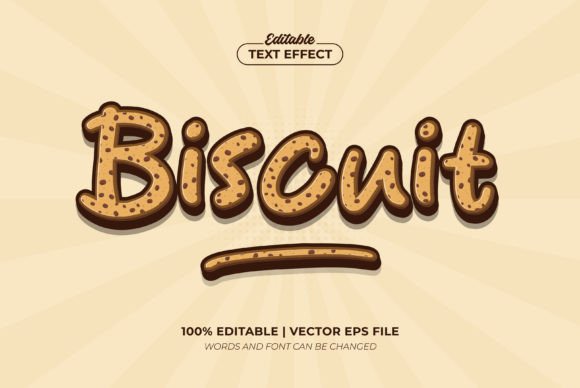
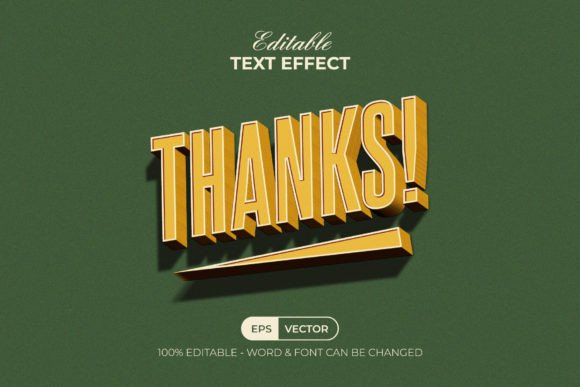
The core appeal of this specific Photoshop action lies in its flexibility. Unlike static templates that force you to work within rigid constraints, the Editable Text Effect Photoshop Action allows you to customize every aspect of the overlay. You can easily change the text to match your message and swap out fonts to align with your brand identity. One of the most user-friendly features is the inclusion of free fonts, complete with download links provided in the help file. This eliminates the common frustration of missing typefaces and ensures that the final output remains consistent regardless of your system's default library.
For designers who need speed without sacrificing quality, this action automates complex processes such as lighting adjustments, shadow creation, and texture integration. Instead of spending hours manually painting masks or adjusting opacity levels on individual layers, the action applies these effects automatically once triggered. The result is a high-quality, professional-grade image that stands out in crowded feeds and portfolios.
Technical Compatibility and Setup
Before diving into creative projects, it is essential to ensure your software environment is ready. This action has been rigorously tested and confirmed working on the Photoshop CC 2022 English Version. However, its utility extends across a wide range of versions, making it accessible to both legacy users and those on the latest updates. Supported versions include CS6, CC, CC2014, CC2015, CC2015.5, CC2016, CC2017, CC2018, CC2019, CC2020, CC2021, and CC2022. If you are using an older version like CS6, you may still find value here, provided you have the necessary plugins installed.
To get the best results, proper image preparation is key. The workflow begins by opening your chosen image in Photoshop. It is highly recommended to resize your canvas to ensure optimal resolution for print or web display. Select the Crop Tool and look at the top menu bar where you will see three blank boxes labeled W (Width), H (Height), and Reso (Resolution). Enter 3000px for Width, 2000px for Height, and 72 for Resolution. Pressing enter locks in these dimensions, providing a standardized canvas that works perfectly with the action's parameters.
Step-by-Step Execution
Once your image is sized correctly, the actual application process is straightforward. First, create a new layer in your Layers panel. A crucial step often overlooked is naming conventions; rename this new layer to "paint" in lowercase letters. The action script relies on this specific name to identify where to apply the brush strokes. Next, select your brush tool and paint over the subject of your photo. This step defines the area where the text effect will interact with the image, creating depth and focus. After painting, simply run the action from the Actions panel, and watch as the transformation occurs instantly.
Real-World Applications Across Industries
The versatility of the Editable Text Effect Photoshop Action makes it suitable for a diverse array of professional and personal scenarios. For photographers, it serves as an excellent tool for creating album covers, promotional banners, or artistic prints that require bold typography integrated seamlessly into the scene. Real estate agents can use it to highlight property names or slogans over architectural shots, while educators might employ it to create engaging course materials and presentation slides.
Marketers and social media managers benefit significantly from the time-saving nature of this tool. In an era where visual engagement drives traffic, having a quick method to produce unique graphics is a competitive advantage. Entrepreneurs can maintain a consistent brand voice across different platforms by customizing the font and color options included in the package. The ability to organize layers efficiently means that even if you need to make last-minute changes to the text or background, the file remains clean and editable.
Commercial and Creative Use Cases
- Event Promotion: Create eye-catching flyers for concerts, workshops, or local gatherings by overlaying event details directly onto atmospheric photos.
- Product Launches: Highlight new product releases with dramatic text effects that draw attention to key features or pricing.
- Personal Branding: Bloggers and freelancers can use these effects to create signature headers for their websites or LinkedIn posts.
- Educational Content: Teachers and online instructors can generate visually stimulating titles for video thumbnails or slide decks.
Maximizing Value and Usability
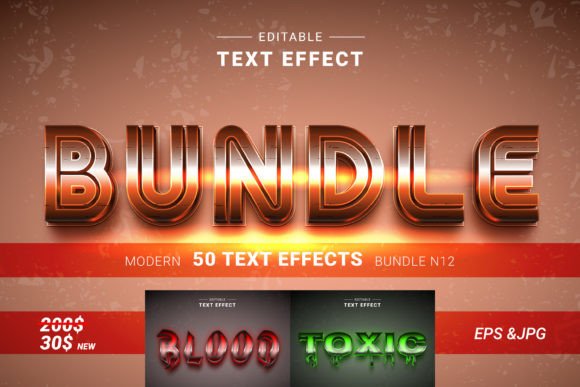
When evaluating tools like the Editable Text Effect Photoshop Action, consider not just the initial output but the long-term efficiency gains. The package includes more than just the .ATN file; it comes with a dedicated brush file, color change options, and comprehensive documentation. The PDF help file and video guide link ensure that users of all skill levels can navigate the setup process without confusion. Furthermore, the promise of 24-hour support adds a layer of security, ensuring that any technical hurdles can be resolved quickly.
One of the standout qualities is the ease of customization. The organized layer structure allows you to tweak the intensity of the effect, shift colors to match seasonal themes, or adjust the text placement without breaking the design. This level of control is rare in automated actions, which often lock users into a single aesthetic. By choosing a tool that prioritizes flexibility, you invest in a resource that grows with your creative needs.
Practical Considerations for Implementation
While the action is powerful, success depends on selecting the right source images. High-contrast photographs with clear subjects tend to yield the most dramatic results. Additionally, paying attention to the "paint" layer instructions is vital; painting too broadly or too narrowly can affect how the text interacts with the image depth. Experimentation is encouraged—try different brushes and painting techniques to discover what works best for your specific style.
Ultimately, the Editable Text Effect Photoshop Action represents a practical investment for anyone looking to enhance their visual communication. It combines technical precision with creative freedom, offering a reliable way to produce professional designs in minutes rather than hours. Whether you are refining a personal project or scaling up a commercial campaign, this tool provides the foundation for impactful, memorable imagery.